
How to Create an Ivory Grotto Fashion Video With AI
Build an ethereal coastal-cave editorial with a flowing ivory dress, rock textures, sun shafts, controlled close-ups, and cinematic ambient sound.
Example image
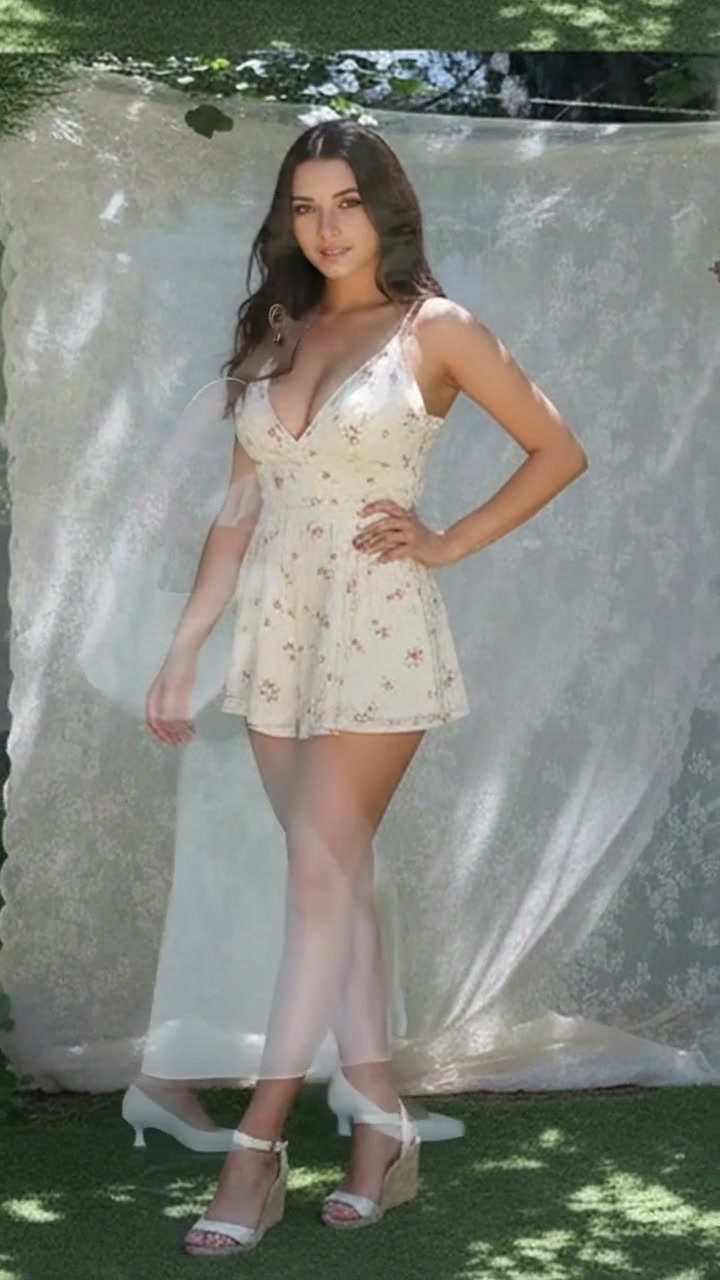
The example image is the first frame of the generated result. The accompanying effect preview uses the finished video from the same generation.
What you need
- One clear photo of one adult woman
- A front-facing or three-quarter face with natural lighting
- Visible facial structure and hair
- No sunglasses, face obstruction, tiny face, or heavy beauty filter
The source photo provides identity only. The effect creates the wardrobe, environment, camera movement, transitions, choreography, lighting, and music.
Step 1: Open the Ivory Grotto Muse effect
Choose Ivory Grotto Muse in AI Video. It is configured for one-person reference-to-video generation in a vertical 9:16 format.
Step 2: Upload the portrait
Upload one portrait of an adult woman. A simple, evenly lit source image usually preserves identity more reliably than a dramatic pose or heavily edited selfie.
Step 3: Generate the video
Start generation and allow the full scene to complete. The effect follows the original source timing after repeated end-loop frames have been removed.
Full English prompt
Create a 12.7-second vertical editorial video of exactly one adult woman, preserving the identity, face, skin tone, hair, and body proportions of the adult woman visible in the reference image. Dress her in a flowing ivory-white satin slip dress with thin straps, a softly shaped bodice, asymmetric airy skirt, and a large soft ivory shoulder bag. Add sculptural white low heels. Do not add another person.

Setting: a sunlit coastal rock grotto with rough limestone walls, black wet stone underfoot, and intense shafts of reflected white sunlight. The contrast moves between luminous overexposure and deep cave shadow. Mood: otherworldly, elegant, quiet, editorial.

Timeline: 0.0-1.4s, full-body side view as she carefully walks across uneven rock, dress and bag trailing with believable weight. 1.4-2.5s, macro insert of one white heel balancing on a tiny white wheeled platform on dark rock; the foot remains anatomically correct and safely centered. 2.5-3.9s, cut to her seated on a natural stone ledge at the cave mouth, one leg extended and one bent, hand supporting her. 3.9-5.6s, intimate chest-up portrait; she tilts her head toward the light and brushes hair away from her neck. 5.6-7.4s, wider seated composition as the skirt spreads softly across the rock and the bag rests beside her. 7.4-9.1s, extreme sun-washed close-up of eye, cheek, gold earring and loose hair, with controlled highlight bloom. 9.1-11.2s, standing medium shot; she lifts her chin into the shaft of light, one hand touching the stone wall. 11.2-12.6s, hard cut into a dark cave portrait with a narrow spotlight on her face and white dress, then a brief return toward the opening. End before the opening walk repeats.

Camera: slow editorial cuts, stable portrait framing, restrained handheld drift, realistic fabric and hair movement. Audio: ethereal cinematic ambient music with glassy piano, airy strings, low ocean wash and soft cave reflections; no dialogue or vocals. No text, logos, watermark, extra people, duplicate body parts, warped foot, unstable face, flicker, or wardrobe drift.
Quality checklist
- Exactly one adult woman remains recognizable
- Face, skin tone, hairstyle, age, and body proportions stay stable
- Wardrobe and location changes follow the prompt timeline
- Hands, hair, fabric, bags, shoes, turns, and poses move naturally
- Music matches the scene and contains no dialogue or vocals
- No extra people, duplicate limbs, warped hands, text, subtitles, logos, interface, or watermark
Pro tip
Use a source portrait with clean facial detail and enough resolution. The effect already directs expression and movement, so a neutral input gives the video model more room to reproduce the intended fashion choreography.