
How to Create a Seaside Silhouette Video With AI
Create a sea-view balcony montage that moves from bright resort light into golden-hour silhouettes while keeping one woman recognizable.
Example image
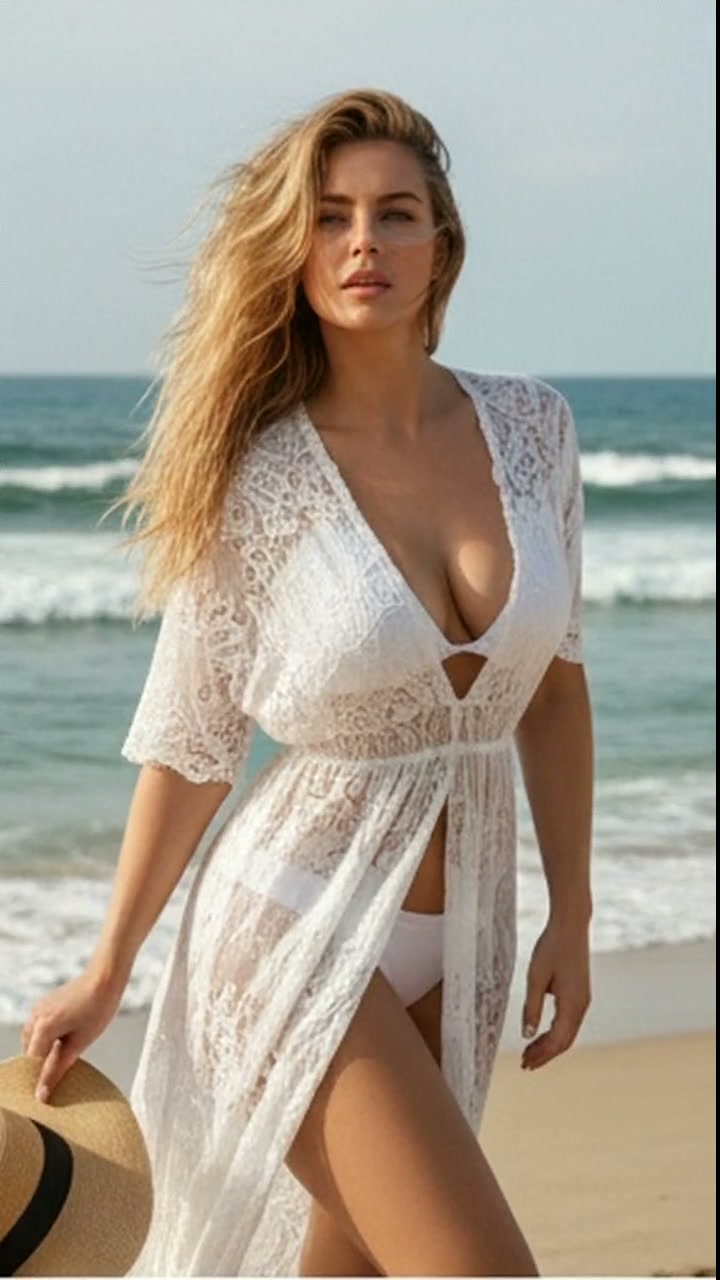
The example image is the first frame of the generated result. The accompanying effect preview uses the finished video from the same generation.
What you need
- One clear photo of one adult woman
- A front-facing or three-quarter face with natural lighting
- Visible facial structure and hair
- No sunglasses, face obstruction, tiny face, or heavy beauty filter
The source photo provides identity only. The effect creates the wardrobe, environment, camera movement, transitions, choreography, lighting, and music.
Step 1: Open the Seaside Silhouette effect
Choose Seaside Silhouette in AI Video. It is configured for one-person reference-to-video generation in a vertical 9:16 format.
Step 2: Upload the portrait
Upload one portrait of an adult woman. A simple, evenly lit source image usually preserves identity more reliably than a dramatic pose or heavily edited selfie.
Step 3: Generate the video
Start generation and allow the full scene to complete. The effect follows the original source timing after repeated end-loop frames have been removed.
Full English prompt
Create a 16.9-second vertical resort-fashion montage featuring exactly one adult woman, preserving the identity, face, skin tone, hair, and body proportions of the adult woman visible in the reference image. Dress her throughout in a pale seafoam-mint flutter-sleeve romper with a deep V neckline, softly gathered waist, and short flowing hem. Bare legs and delicate neutral sandals. Do not add another person.

Location and light: a high modern balcony above calm open water at golden hour. Glass railing, pale stone floor, distant horizon. Alternate bright high-key front light with dramatic sunset backlight while preserving the same woman and outfit. Warm sun creates elegant silhouettes and gold reflections on the sea.

Timeline: 0.0-2.1s, bright full-body front view; she leans lightly on the glass railing, crosses one ankle, and opens both arms with relaxed confidence. 2.1-4.4s, clean cut to a back view inside the balcony doorway; she walks toward the ocean, long hair down her back, fabric fluttering. 4.4-6.5s, cut to a backlit full-body silhouette at the railing; she pivots, rests both hands on the rail, and slowly arches one shoulder toward camera. 6.5-8.6s, side-lit walking pose across the balcony, smooth hip shift and graceful hand movement. 8.6-9.6s, close-up of windblown hair and cheek against the blue sea. 9.6-10.7s, silhouette insert: she holds the rail and lifts one bent leg behind her in a playful balanced pose. 10.7-12.3s, cut back to bright front light; she steps toward camera with a gentle smile. 12.3-16.8s, medium close-up against the setting sun; she performs slow expressive arm and wrist shapes around her face, then lowers her hands and holds eye contact. End cleanly before the source restarts.

Camera: elegant locked tripod compositions with clean editorial cuts, occasional slow push-in, no chaotic shake. Natural fabric, hair, hand and balance physics. Audio: airy tropical lounge instrumental with muted percussion, soft bass, sunlit guitar harmonics and subtle sea breeze; no dialogue or vocals. No text, logos, watermark, extra people, duplicated limbs, warped fingers, face drift, flicker, or outfit changes.
Quality checklist
- Exactly one adult woman remains recognizable
- Face, skin tone, hairstyle, age, and body proportions stay stable
- Wardrobe and location changes follow the prompt timeline
- Hands, hair, fabric, bags, shoes, turns, and poses move naturally
- Music matches the scene and contains no dialogue or vocals
- No extra people, duplicate limbs, warped hands, text, subtitles, logos, interface, or watermark
Pro tip
Use a source portrait with clean facial detail and enough resolution. The effect already directs expression and movement, so a neutral input gives the video model more room to reproduce the intended fashion choreography.