
How to Create a Mint Dress Switch Video With AI
Create a hand-wipe outfit transition into a pale mint mini dress, then finish with confident phone-style poses and upbeat pop production.
Example image
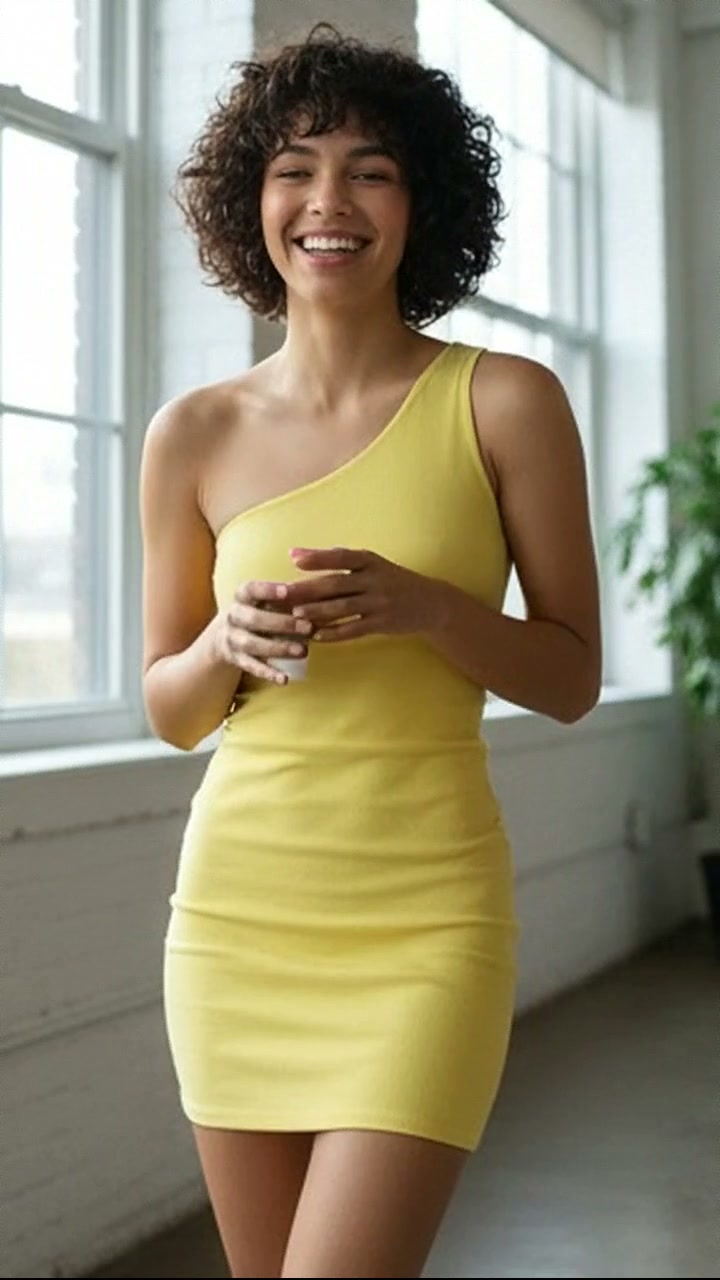
The example image is the first frame of the generated result. The accompanying effect preview uses the finished video from the same generation.
What you need
- One clear photo of one adult woman
- A front-facing or three-quarter face with natural lighting
- Visible facial structure and hair
- No sunglasses, face obstruction, tiny face, or heavy beauty filter
The source photo provides identity only. The effect creates the wardrobe, environment, camera movement, transitions, choreography, lighting, and music.
Step 1: Open the Mint Dress Switch effect
Choose Mint Dress Switch in AI Video. It is configured for one-person reference-to-video generation in a vertical 9:16 format.
Step 2: Upload the portrait
Upload one portrait of an adult woman. A simple, evenly lit source image usually preserves identity more reliably than a dramatic pose or heavily edited selfie.
Step 3: Generate the video
Start generation and allow the full scene to complete. The effect follows the original source timing after repeated end-loop frames have been removed.
Full English prompt
Create an 8.3-second vertical phone-style outfit-transition video featuring exactly one adult woman, preserving the identity, face, skin tone, shoulder-length hair, and body proportions of the adult woman visible in the reference image. Do not add another person. Setting remains the same modern dressing room with grey wardrobe doors, hanging pale garments and soft neutral indoor light.

0.0-2.2s: chest-up to waist-up framing. She wears a cream off-shoulder ruched crop top and loose grey-beige plaid lounge shorts. She begins with a sleepy yawn, lowers her hand, raises both palms in a playful shrug, makes an unimpressed expression, then reaches both hands toward the lens. 2.2-2.5s: her hands fully cover the camera, creating a natural dark hand-wipe transition; preserve correct fingers and contact. 2.5-8.2s: she pulls her hands away now wearing a pale mint-sage sparkling fitted mini dress with a deep V neckline and soft lace trim, plus a delicate pendant. She tosses her hair, rolls one shoulder, steps back to reveal the full dress, alternates medium and full-body poses, lifts one arm above her head, sways her hips to the beat, then ends close to camera with relaxed confident eye contact. Keep the transformation clean and instantaneous, with no clothing melt or body jump.

Camera stays vertically fixed at phone height with slight authentic handheld vibration and several beat-synced punch-in edits after the reveal. Realistic hair, dress, chest, hip, arm and hand motion. Audio: confident playful pop-electronic instrumental with a clear drop at the outfit change, light claps and glossy synth bass; no dialogue or vocals. No captions, interface, logos, watermark, extra people, duplicated limbs, warped fingers, face morphing, flicker, or loop back to the first outfit.
Quality checklist
- Exactly one adult woman remains recognizable
- Face, skin tone, hairstyle, age, and body proportions stay stable
- Wardrobe and location changes follow the prompt timeline
- Hands, hair, fabric, bags, shoes, turns, and poses move naturally
- Music matches the scene and contains no dialogue or vocals
- No extra people, duplicate limbs, warped hands, text, subtitles, logos, interface, or watermark
Pro tip
Use a source portrait with clean facial detail and enough resolution. The effect already directs expression and movement, so a neutral input gives the video model more room to reproduce the intended fashion choreography.