
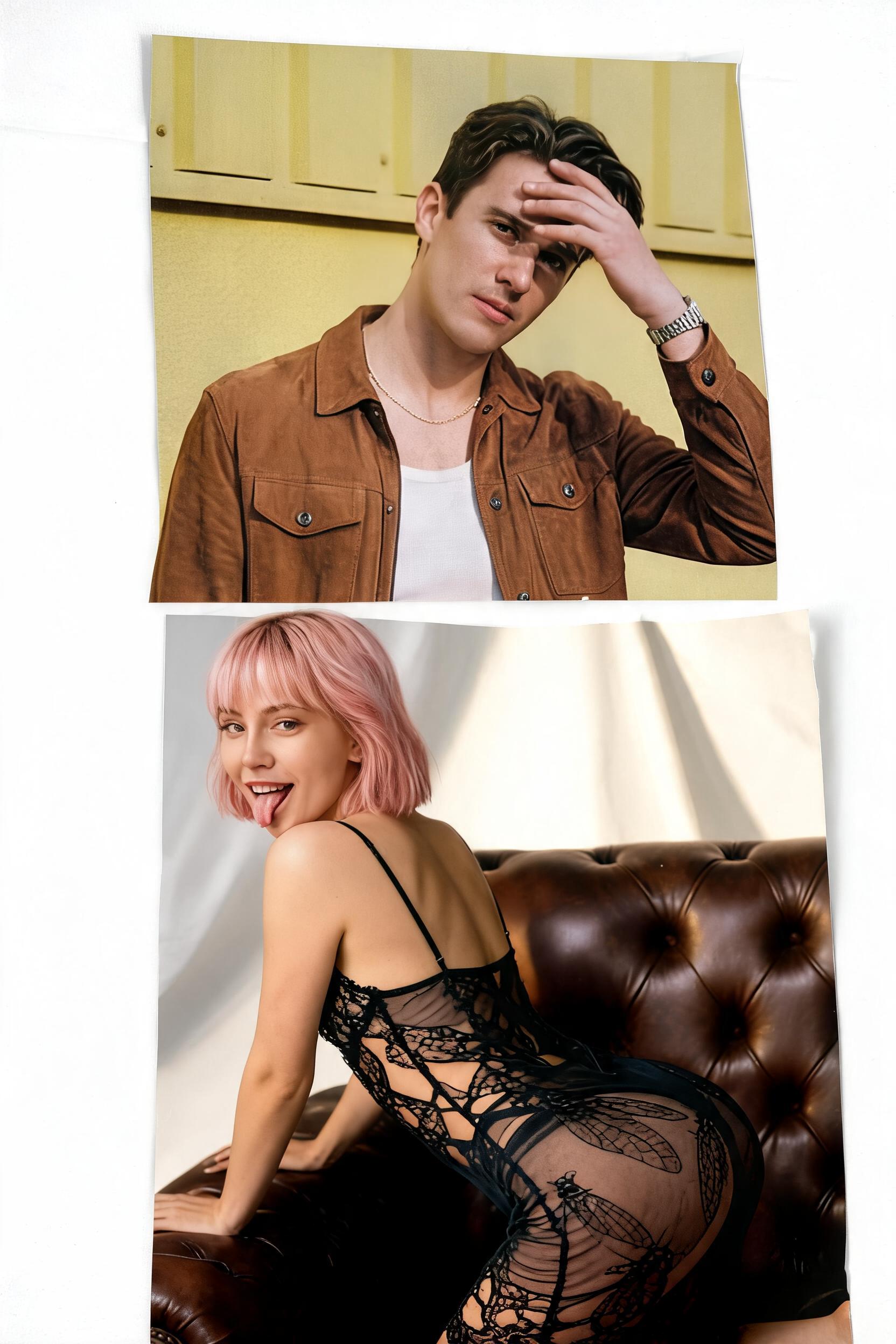
Create a Couple Photobooth Collage With AI
Studio Duo turns two portraits into a cinematic editorial collage. Instead of generating one simple couple pose, it creates multiple photo fragments inside one vertical image, like a high-fashion photobooth contact sheet.
What this filter is best for
Use Studio Duo when you want a playful, modern, and shareable couple image. It is ideal for creator posts, relationship announcements, anniversary edits, campaign banners, and fashion-inspired social content.
Photos to upload
Upload two clear reference photos with visible faces. Because this filter repeats the same couple across multiple poses, clean face references are especially important. Avoid photos with strong face distortion, heavy beauty filters, or extreme side angles.
Prompt breakdown
The prompt has a clear editorial structure:
- Identity lock: it tells the AI to use the faces from the reference photos and keep natural skin texture.
- Concept: "Love in Fragments" gives the image a creative campaign idea instead of a generic couple pose.
- Multi-pose plan: standing, laughing, sitting back-to-back, hugging, dramatic distance, and soft close-up.
- Composition: layered photo cutouts, torn-paper edges, soft shadows, and contact-sheet energy.
- Studio setting: warm-gray or off-white backdrop, direct flash, paper backdrop curve, and studio floor shadows.
- Styling: elevated street-style outfits with clean black, white, silver, and fashion details.
- Restrictions: no text, logos, captions, stickers, or graphic design elements.
This prompt works because it tells the AI exactly how to arrange the image. It controls not just the people, but also the layout, mood, wardrobe, and what should be excluded.
How to get a better result
Use portraits where both people have clear facial structure and similar image quality. Since the output contains multiple versions of the couple, small input problems can repeat across the collage.
For the most editorial result, choose photos with neutral expressions or light smiles. The filter will create the playful emotional range.
Best use cases
- Couple collage post
- Anniversary campaign image
- Creator profile banner
- Fashion-style photobooth content
- Romantic ad creative for social platforms
Copy idea
Create a full couple photoshoot from two selfies. Upload two portraits and turn them into a fashion-style photobooth collage.
Pro tip
This filter is strongest when you want variety. It gives users several emotional moments in one image, which makes it more likely to catch attention in a feed.